
Availability: November 5, 2026
Blog in PathFactory lets your team create, publish, and manage original blog posts directly in PathFactory. Each post is a reusable Content Library asset with its own URL, so you can organize it with your other content and deliver it through PathFactory experiences.
How the Blog Experience is organized
When Blog in PathFactory is enabled for your organization, PathFactory creates a dedicated Blog Source Content Playlist and a Blog Source collection. The playlist is connected to the Blog Experience and supplies the posts for it. The Blog Source collection is linked to that playlist and is visible in Collections, where you can manage which posts are included.
The Blog Source playlist is system-managed and does not appear in the standard Content Playlist directory. To access its experience and related settings, open the Blogs tab and use the Blog Experience menu. From there, you can preview the experience, open Blog Settings, or manage the collection.
When you publish a post, you can choose whether to add it to the Blog Source collection. This option is selected by default. Posts added to the collection appear in the Blog Experience’s blog listing. If you clear the option, the post is still published as a Content Library asset, but is not added to that collection.
Create a blog post
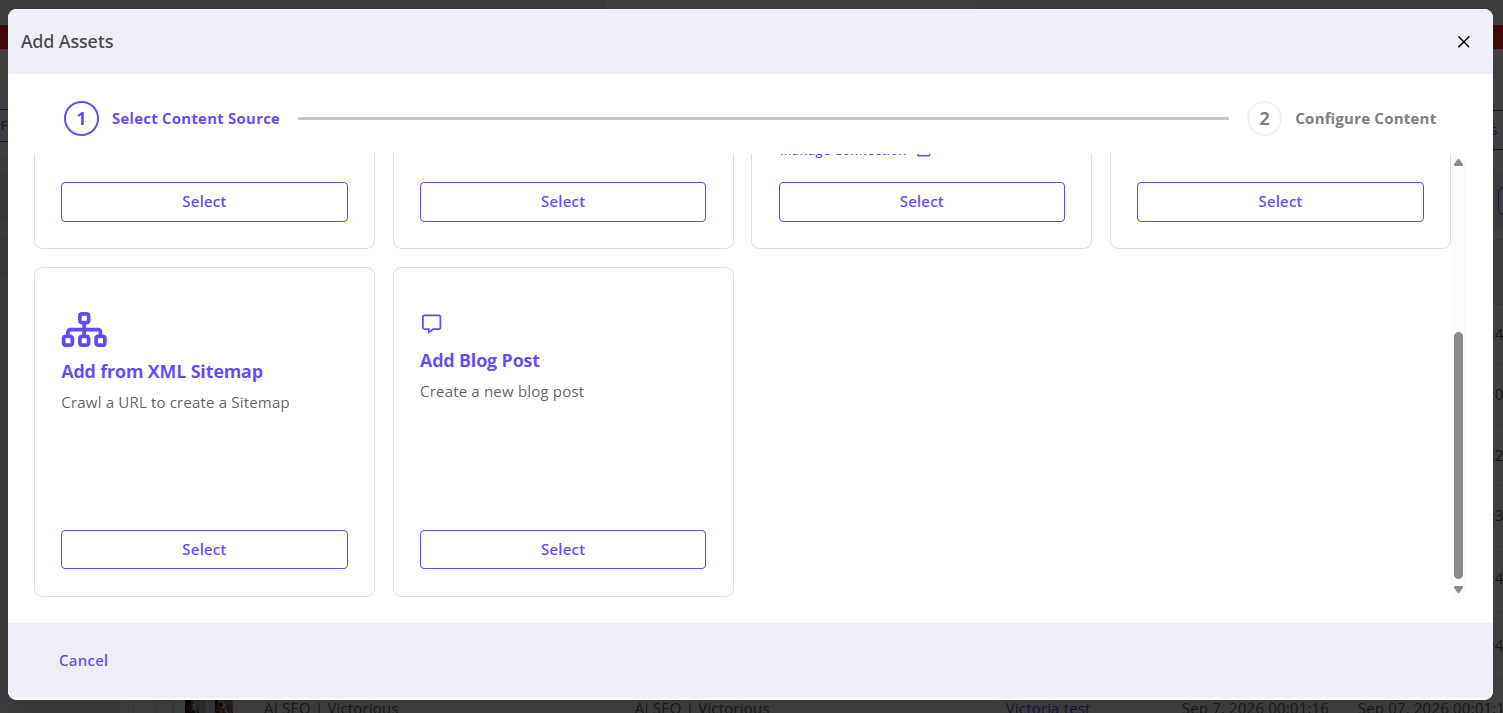
- In the Content Library, select Add Assets > Add Blog Post. You can also open the Blogs tab and select Create Blog Post.
- Enter a title and write or format your article in the rich-text editor.
- Use the details panel to review the post’s available properties and metadata. You must save draft or publish to save your changes!
- Preview the post to review its content before publishing.
Publish a post
- Select Publish.
- In the confirmation, leave the option to add the post to the Blog Source collection selected if you want it included in the Blog Experience’s listing. Clear it to publish without adding it to the collection.
- Confirm the publication. PathFactory displays a success confirmation.
Published posts receive a unique URL and readable slug. They remain available as Content Library assets for use in other collections, Smart Rules, and PathFactory experiences.

Use standard PathFactory experience features
Blog posts are delivered through a PathFactory Experience and can use standard experience capabilities configured for that experience. These can include forms, CTAs, AI Sequencing, cookie consent, themes, visitor and engagement tracking, and analytics. Configure experience-level behavior in the Blog Experience and its settings; it is not part of the blog article’s HTML editor.
Blog pages also provide crawlable article content and supporting metadata for search and AI discovery. PathFactory can represent details such as the title, description, author, publication and modification dates, topics, language, and URL when available. These signals help search and AI systems understand the page, but do not guarantee rankings or inclusion in AI-generated answers. If the Blog Source Content Playlist is set to No Index, posts associated with it follow that indexing directive.
Manage and reuse blog posts
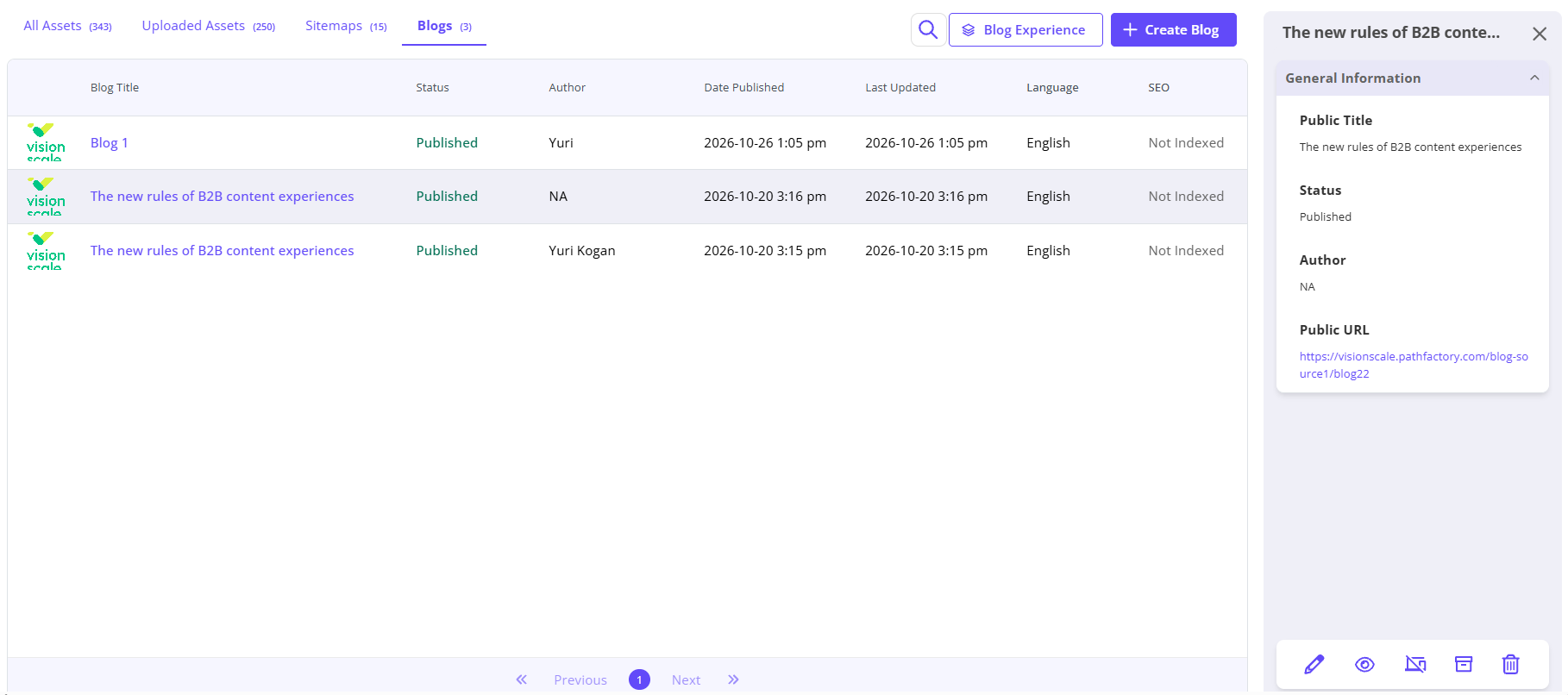
Use the Blogs tab to find and manage your posts. The list shows details such as title, status, author, publication date, last updated date, language, and SEO status.
- Open a post to edit its content or available properties. Preview your changes, then publish again to update the post.
- Unpublish a post when you no longer want it published.
- Manage a post’s tags in the editor or from its Content Library asset.
- Reuse a published post in other collections, Smart Rules, or PathFactory Experiences without creating another copy.
Frequently asked questions
Can I use a blog post in more than one PathFactory Experience?
Yes. A blog post remains a reusable Content Library asset and can be delivered in multiple places. Each experience can have its own URL and experience-level configuration.
Do I have to add every post to the Blog Source collection?
No. You can clear the collection option when publishing. The post will still be published, but it will not appear in the Blog Experience’s collection-driven listing.
Views: 2